








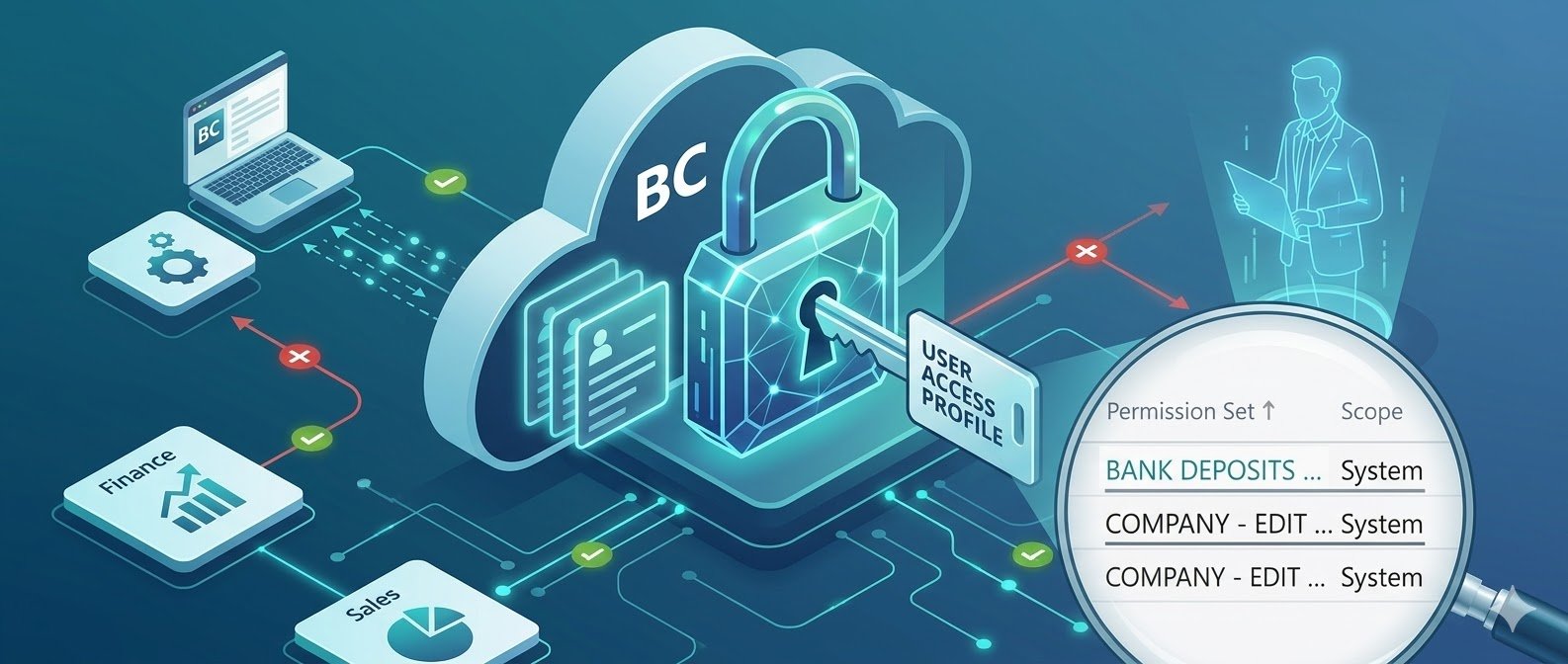
Security in ERP systems has always been one of those areas that teams tend to push toward the end of an implementation. Not because it’s unimportant—but because it’s often complex, time-consuming, and difficult to get perfectly right on the first attempt.
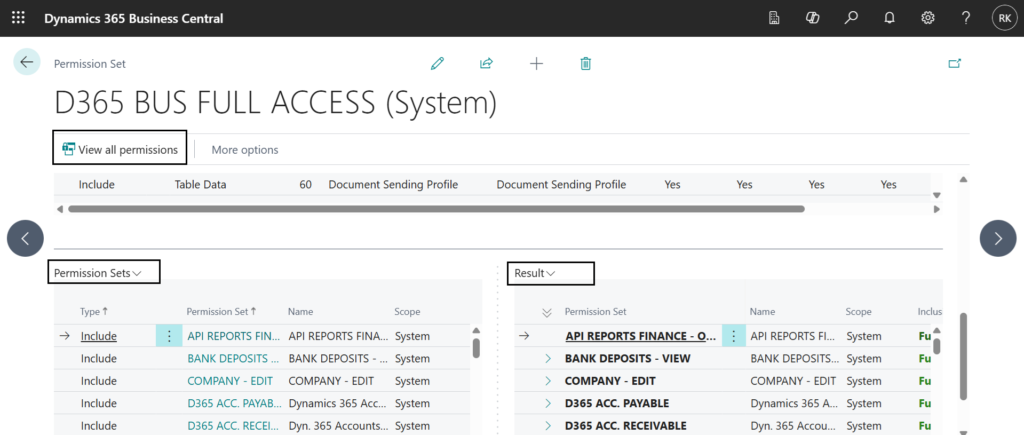
With the introduction of the new Security Groups feature in Dynamics 365 Business Central, that approach is no longer necessary—and frankly, no longer practical.
From “What Do You Need?” to “What Don’t You Need?”
Traditionally, permission design started with a blank slate. The question was always:
This often led to:
“What permissions should this user or group have?”
- 1. Overlooking critical permissions
- 2. Adding excessive access just to avoid blocking users
- 3. Rework during testing or post go-live
The Include/Exclude capability changes this mindset entirely.
Now, instead of building permissions from scratch, you can:
- 1. Start with a broader access level
- 2. Simply exclude what is not required
This subtle shift reduces complexity and improves accuracy. It’s faster, more intuitive, and aligns better with real-world business scenarios.
Why This Feature Changes Implementation Strategy
The biggest impact is not just technical—it’s behavioral.
Earlier:
- Security was handled at the end of the project
- It was treated as a checklist activity
Now:
- Security can be configured early in the setup phase
- It becomes part of the core design, not an afterthought
This leads to:
- Fewer surprises during UAT
- Better control over user roles
- Stronger governance from day one
Practical Approach That Actually Works
Based on hands-on experience, a few simple practices can make permission management far more effective:
1. One Security Group = One Permission Set
Keep it simple.
- Each security group should be directly linked to a single permission set
- This avoids confusion and ensures security filters behave correctly
- It also makes it easier for customers to manage without technical dependency
2. Create a Common “Basic Access” Permission Set
Every user needs some level of baseline access.
- Define a basic permission set for general usage
- Assign it to all users
- Layer additional permissions through specific groups
This reduces duplication and keeps your structure clean.
3. Maintain Naming Consistency
Clarity beats complexity every time.
- Use the same name for both the security group and permission set
- This ensures easy traceability
- Helps functional users understand the setup without deep technical knowledge
The Real Benefit: Control Without Complexity
The biggest advantage of this new approach is control.
You no longer need to:
- 1. Spend hours designing permissions from scratch
- 2. Fix missing access issues during testing
- 3. Overcompensate by giving excessive permissions
Instead, you get:
- 1. Faster configuration
- 2. Cleaner structure
- 3. Better security governance
Conclusion
The new Security Groups feature in Business Central is not just an incremental improvement—it’s a shift in how we think about ERP security. By moving from addition-based permission design to exclusion-based refinement, you gain both speed and accuracy.
If implemented correctly, this approach ensures that:
- Security is addressed early
- Systems remain scalable
- Users get exactly the access they need—nothing more, nothing less
Example (Simple Illustration)
Scenario: Finance Team Access
- Create Permission Set:
FINANCE_FULL_ACCESS - Create Security Group:
FINANCE_FULL_ACCESS - Assign full finance-related permissions
- Exclude:
- Vendor deletion rights
- Posting date override
Add:
- Basic Permission Set → Assigned to all users
Result:
- Clean structure
- Controlled access
- Easy to manage and audit
If you’re still treating security as a final step in your Business Central projects, it’s time to rethink the approach. The tools have evolved—your strategy should too.