




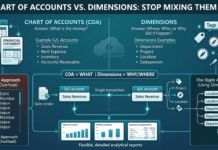



One of the most common points of confusion when learning ERP accounting—especially in Dynamics 365 Business Central—is the difference between Chart of Accounts (COA) and Dimensions.
At first glance, they feel similar. Both are used in transactions. Both help in reporting.
But in reality, they solve completely different problems.
Understanding this properly can save you from messy data, bloated account structures, and painful reporting later.
The Role of Chart of Accounts: The Financial Backbone
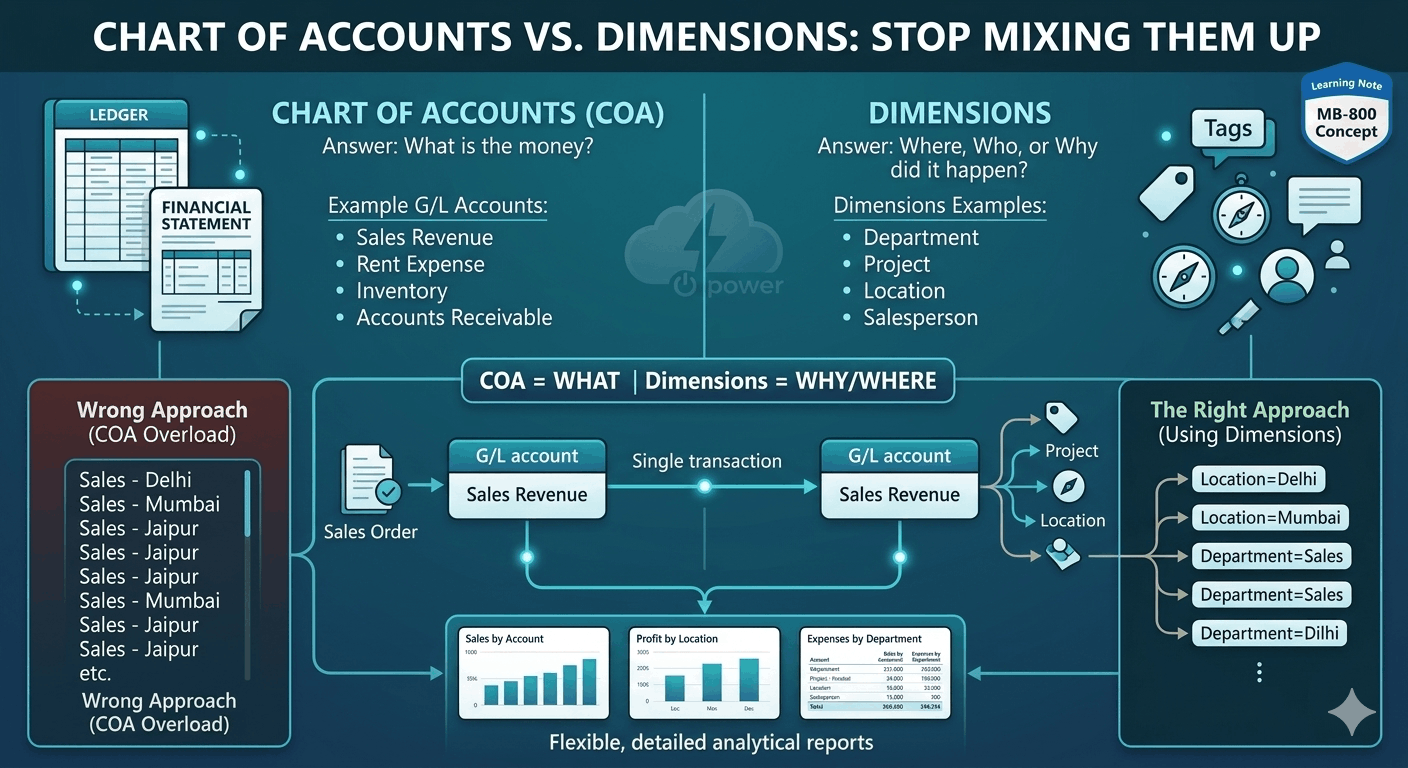
Think of the Chart of Accounts as the foundation of your financial system.
It answers a very basic but critical question:
“What type of money is this?”
Every transaction in the system must eventually post to a G/L account. That’s non-negotiable.
Typical Examples:
- 1. Sales Revenue
- 2. Rent Expense
- 3. Inventory
- 4. Accounts Receivable
These accounts are what ultimately build your:
- 1. Income Statement (P&L)
- 2. Balance Sheet
If your COA is poorly designed, your financial statements will be confusing—no matter how good your reporting tools are.
The Limitation of COA (Where Problems Start)
Here’s where many implementations go wrong.
Businesses often try to answer too many questions using only the Chart of Accounts.
For example:
- 1. Sales by city
- 2. Expenses by department
- 3. Profit by project
- The wrong approach?
- Creating multiple G/L accounts like:
- 1. Sales – Delhi
- 2. Sales – Mumbai
- 3. Sales – Jaipur
This quickly leads to:
- 1. Hundreds (or thousands) of accounts
- 2. Complex maintenance
- 3. Confusing financial reports
This is exactly what Dimensions are designed to fix.
Dimensions: Adding Meaning to Transactions
Dimensions don’t replace accounts—they enhance them. They answer a different question:
“Where, who, or why did this transaction happen?”
Common Dimension Examples:
- Department
- Project
- Location
- Salesperson
Instead of creating separate accounts for each variation, you:
- Keep one clean G/L account
- Attach dimensions for analysis
Simple Example That Makes It Clear
Let’s say you record sales.
Wrong Approach (COA Overload):
- Sales – Delhi
- Sales – Mumbai
- Sales – Jaipur
Right Approach (Using Dimensions):
- G/L Account: Sales Revenue
- Dimension: Location = Delhi / Mumbai / Jaipur
Now you can:
- Keep your COA clean
- Still analyze performance by location
Why This Matters in Real Projects
If you misuse COA and Dimensions:
- Reporting becomes rigid
- Changes require structural redesign
- Users get confused
If you use them correctly:
- Reports become flexible
- System stays scalable
- Analysis becomes powerful without complexity
A Simple Way to Remember
If you’re ever confused, just ask:
- Chart of Accounts → What is the money?
- Dimensions → Why or where did it happen?
That’s it.
Practical Takeaway
- Keep your Chart of Accounts minimal and structured
- Use Dimensions for analysis and slicing data
- Avoid creating unnecessary G/L accounts
- Design both together—not separately
Final Thought
Chart of Accounts and Dimensions are not competitors—they are partners.
One structures your financial data.
The other explains it.
Get this right early, and your entire ERP system becomes easier to manage, scale, and understand.
Learning Note
This concept often clicks when you start preparing for certifications like MB-800 or working hands-on in Business Central.
And once it clicks—you’ll never design your COA the same way again.